
Audio Tracks
Record and play back audio, and build an audio processing chain like a vocal channel.
Alongside MIDI, Skene supports audio tracks for recording and playing back audio — vocals, guitars, or any input source — on the same clip-based timeline.
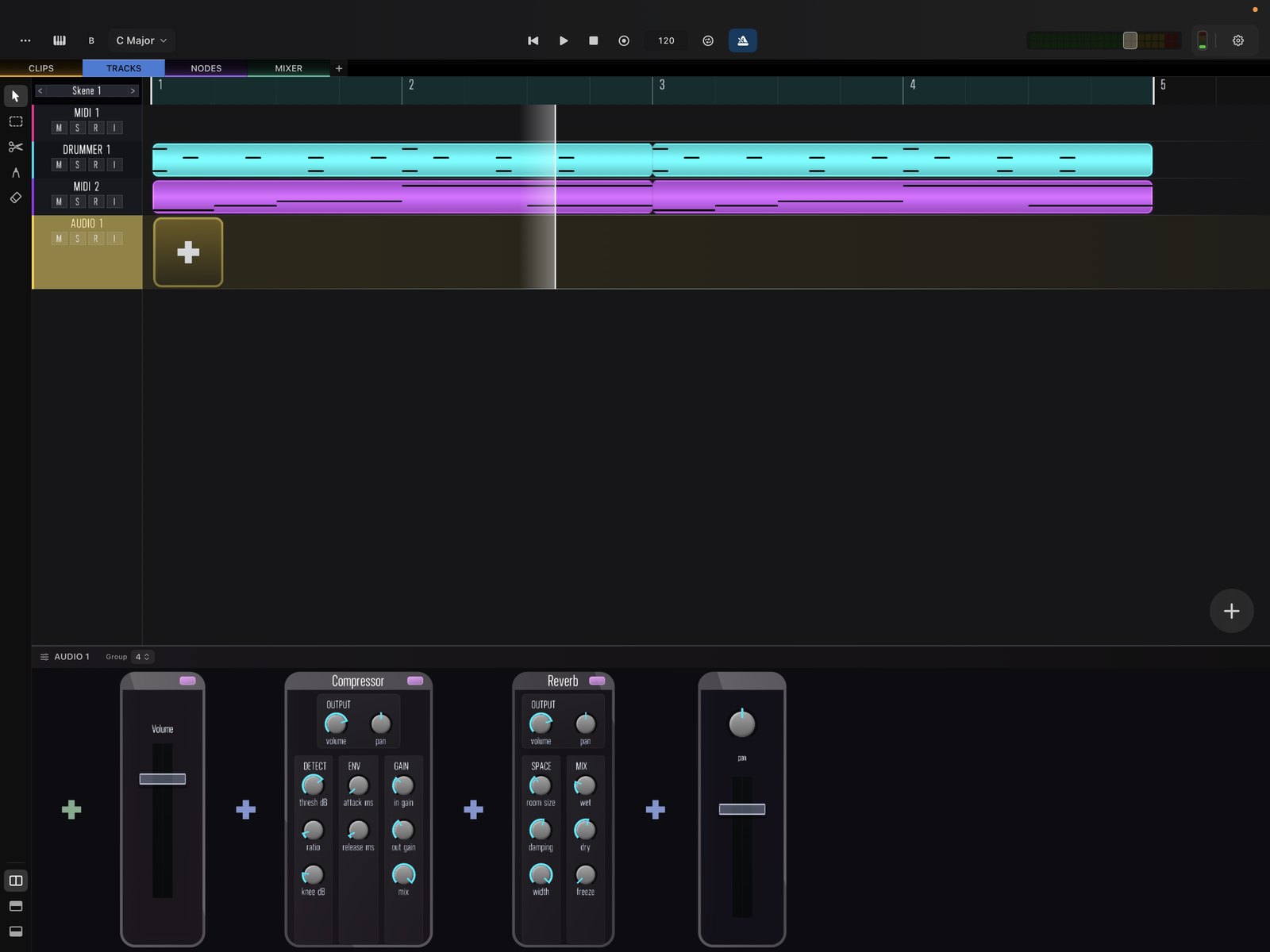
Building an audio chain
An audio track runs its clips through a processing rack, just like an instrument track. A simple vocal chain might add EQ, compression, and reverb in series.
Recording
Arm the track and record audio into it. Press R to start recording, or Cmd + R to record from the beginning.
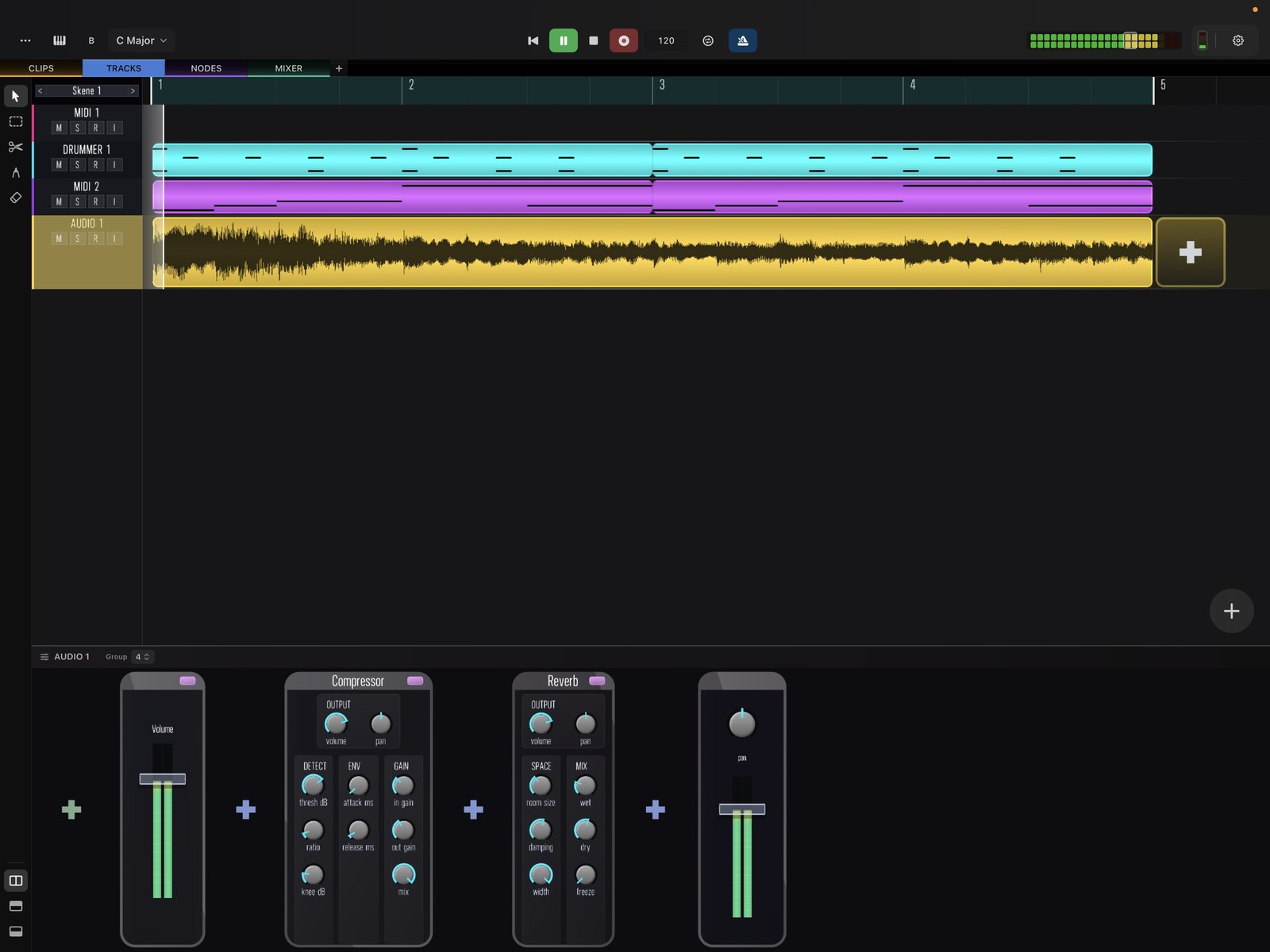
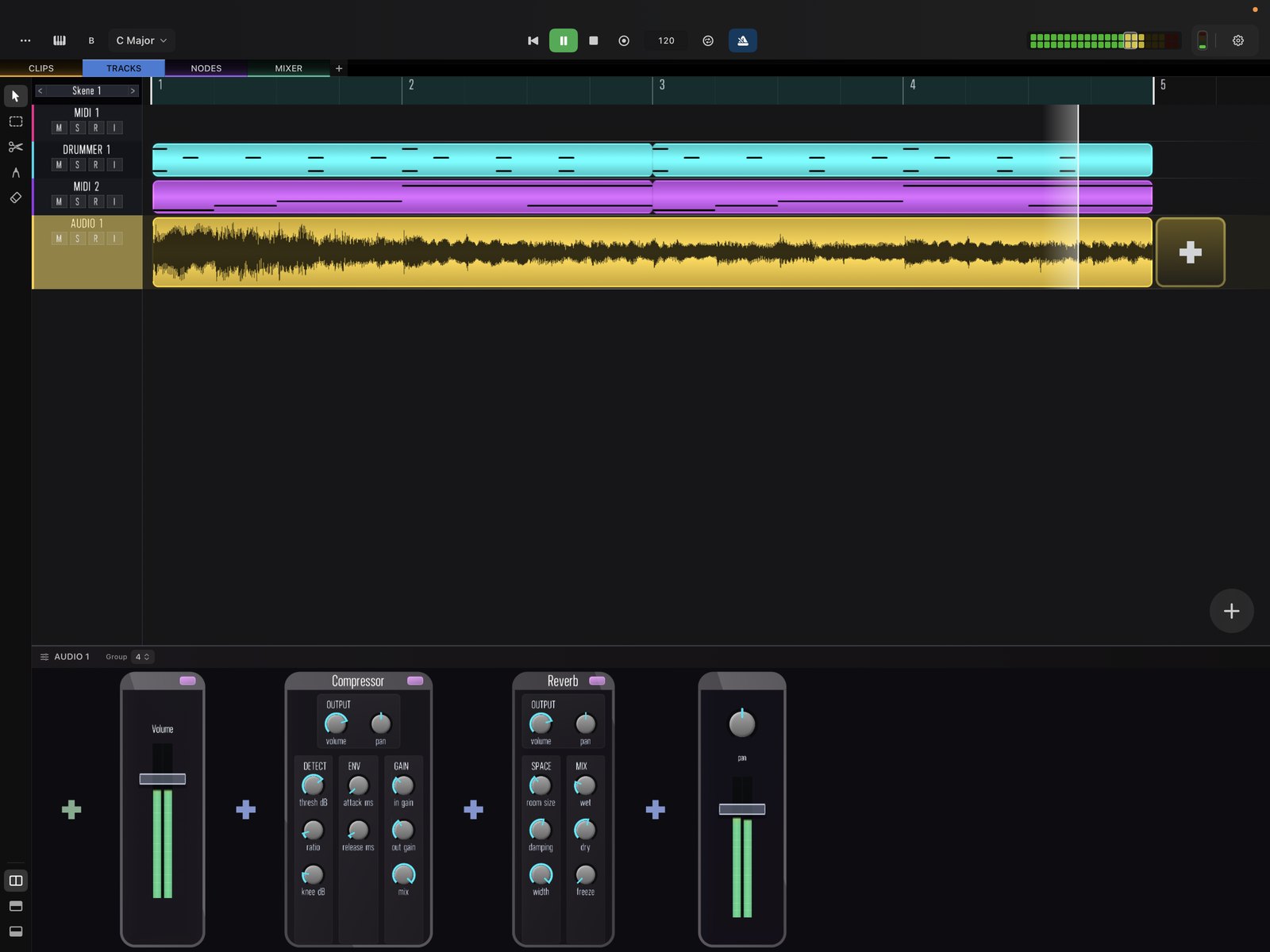
Captured audio becomes a clip you can trim and arrange on the timeline. See also the standalone Audio Recorder for quickly capturing the master output or an input.