
Channel Map Beta
Arrange your fixtures across the 512 channels of a DMX universe.
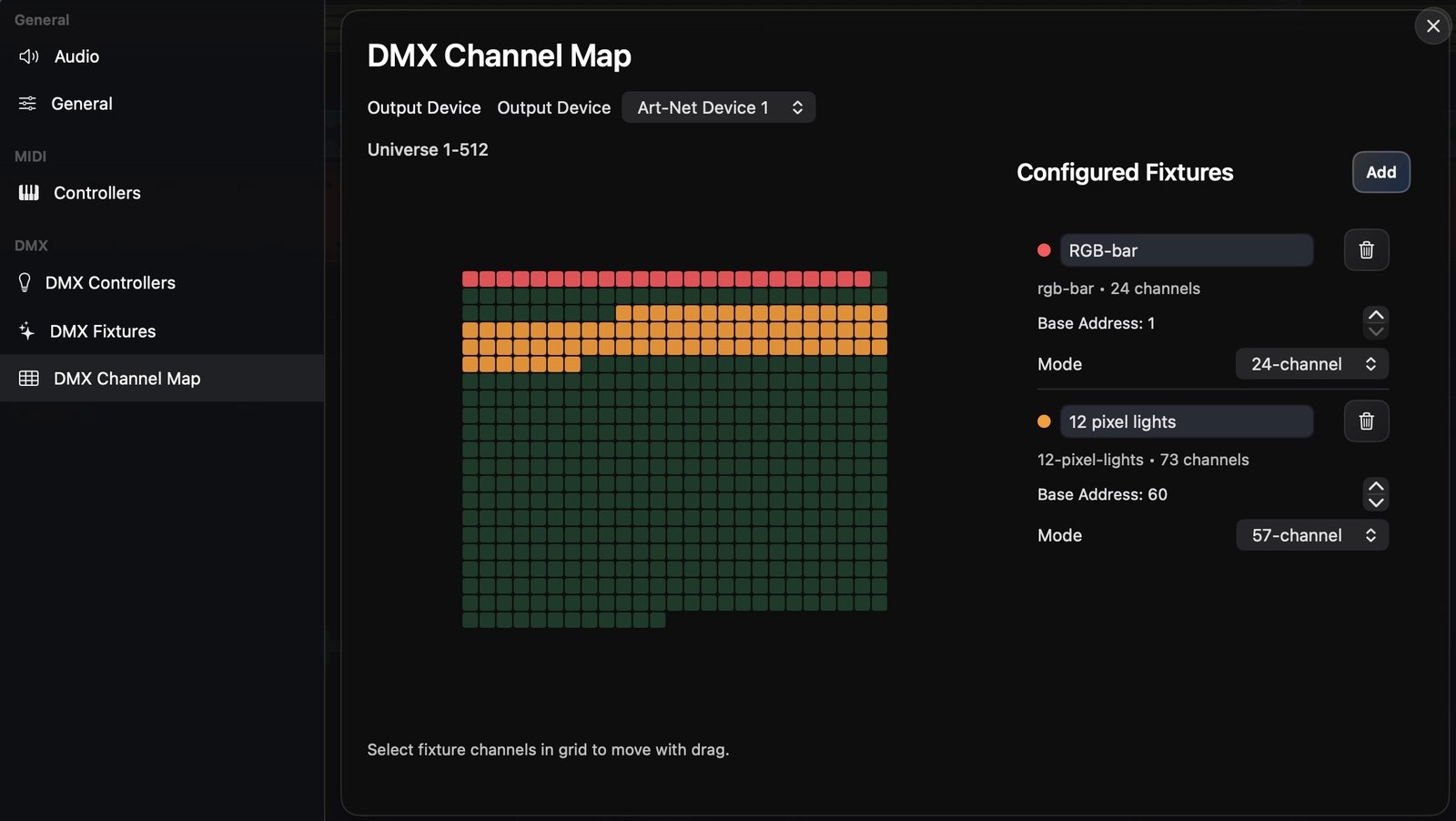
The channel map editor lays your fixtures out across a DMX universe so each one lands on the right addresses.
How DMX512 works
A DMX universe is a single stream of 512 channels, each carrying an 8-bit value from 0 to 255. Every fixture is given a start address and occupies a contiguous block of channels from there:
- A simple RGB light uses 3 channels (red, green, blue).
- A dimmable RGB light might use 4 (dimmer + RGB).
- A moving head can use 16 or more (pan, tilt, color, gobo, …).
You assign each fixture a start address and make sure their channel ranges don’t overlap — for example fixture A at channel 1 (uses 1–3), fixture B at channel 4 (uses 4–6), and so on. The channel map editor is where you arrange that. When a rig needs more than 512 channels, add another universe.
With fixtures mapped, drive their channels from the graph — see Using DMX Nodes.