
Creating Tracks
Add MIDI, audio, and drum tracks from the Create Track dialog.
Add a new track with the Create Track dialog. On a hardware keyboard press Shift + A; otherwise use the add control in the DAW or Arranger.
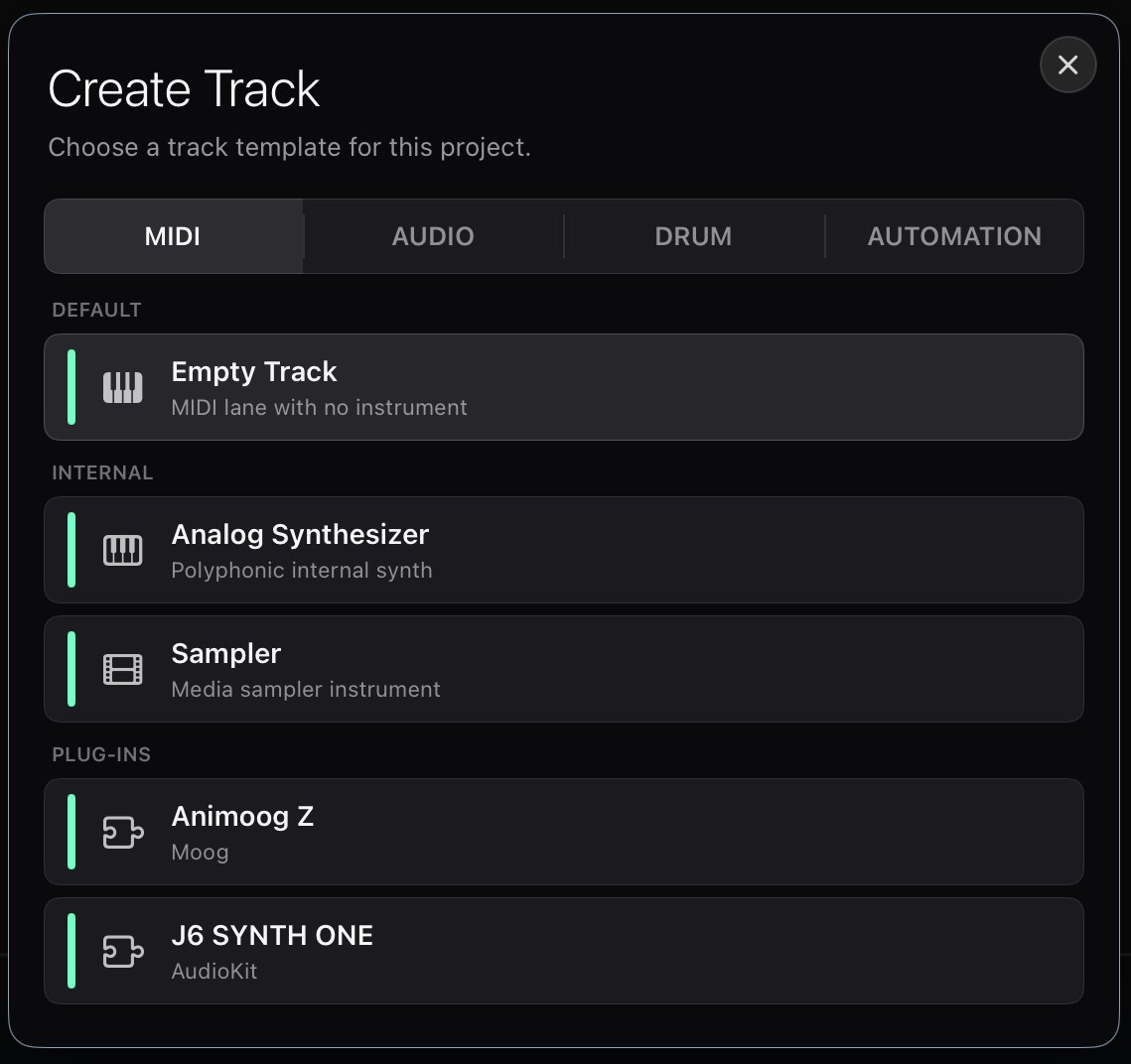
Track types
The dialog lets you pick what kind of track to create:
- MIDI / instrument tracks — a track driven by an instrument (a built-in synth or sampler, or a hosted AUv3 instrument). Edit its notes in the piano roll.
- Audio tracks — record and play back audio. See Audio Tracks.
- Drum tracks — pattern-based drums using the built-in drum synth or drum sampler. See Drum Tracks.
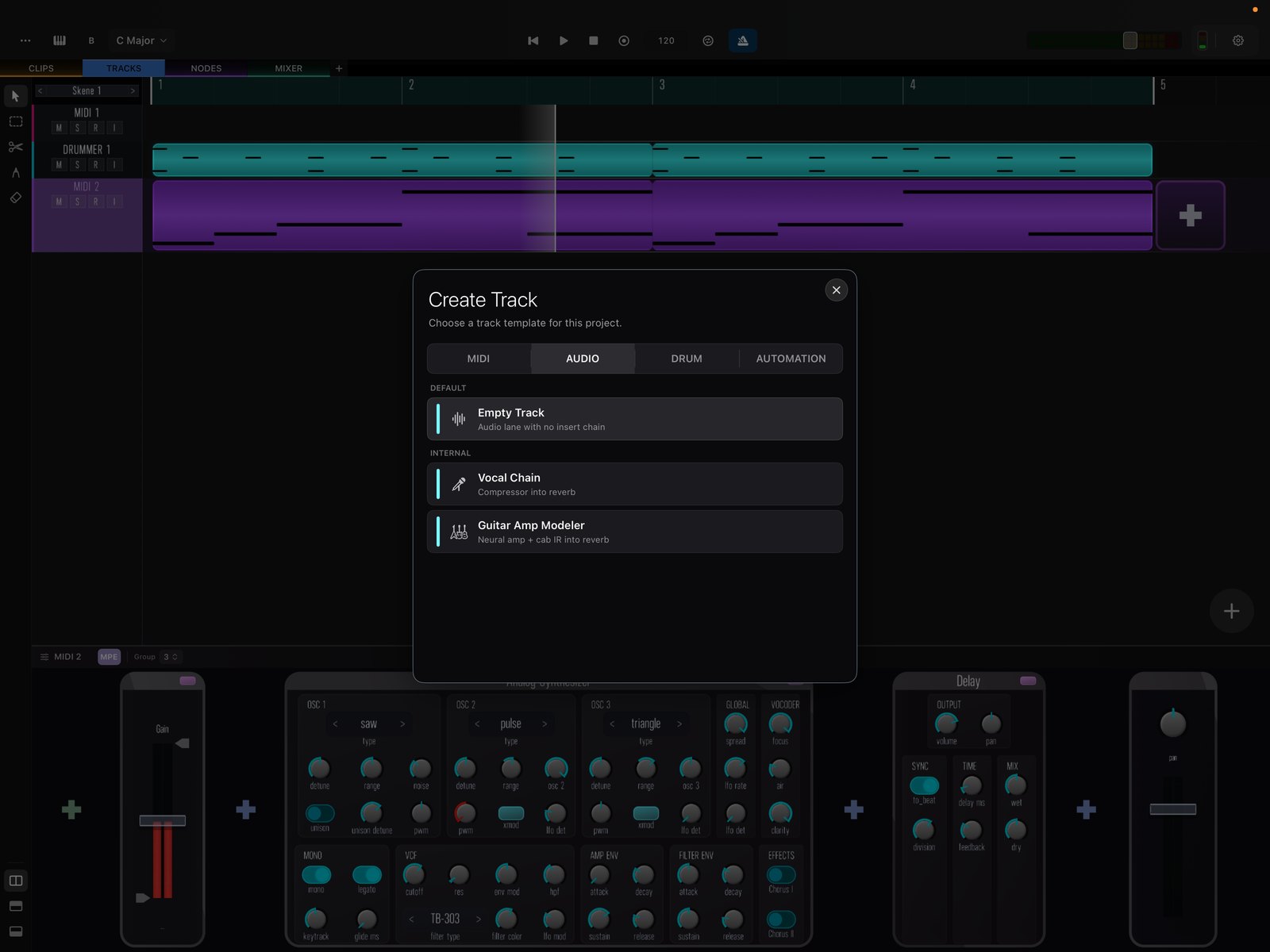
Once a track exists, select it and start adding clips along the timeline, then open the detail view to edit them.