
Node View
The visual patching canvas — connect instruments, effects, modulation, and visuals as typed nodes, including feedback loops the rack can't express.
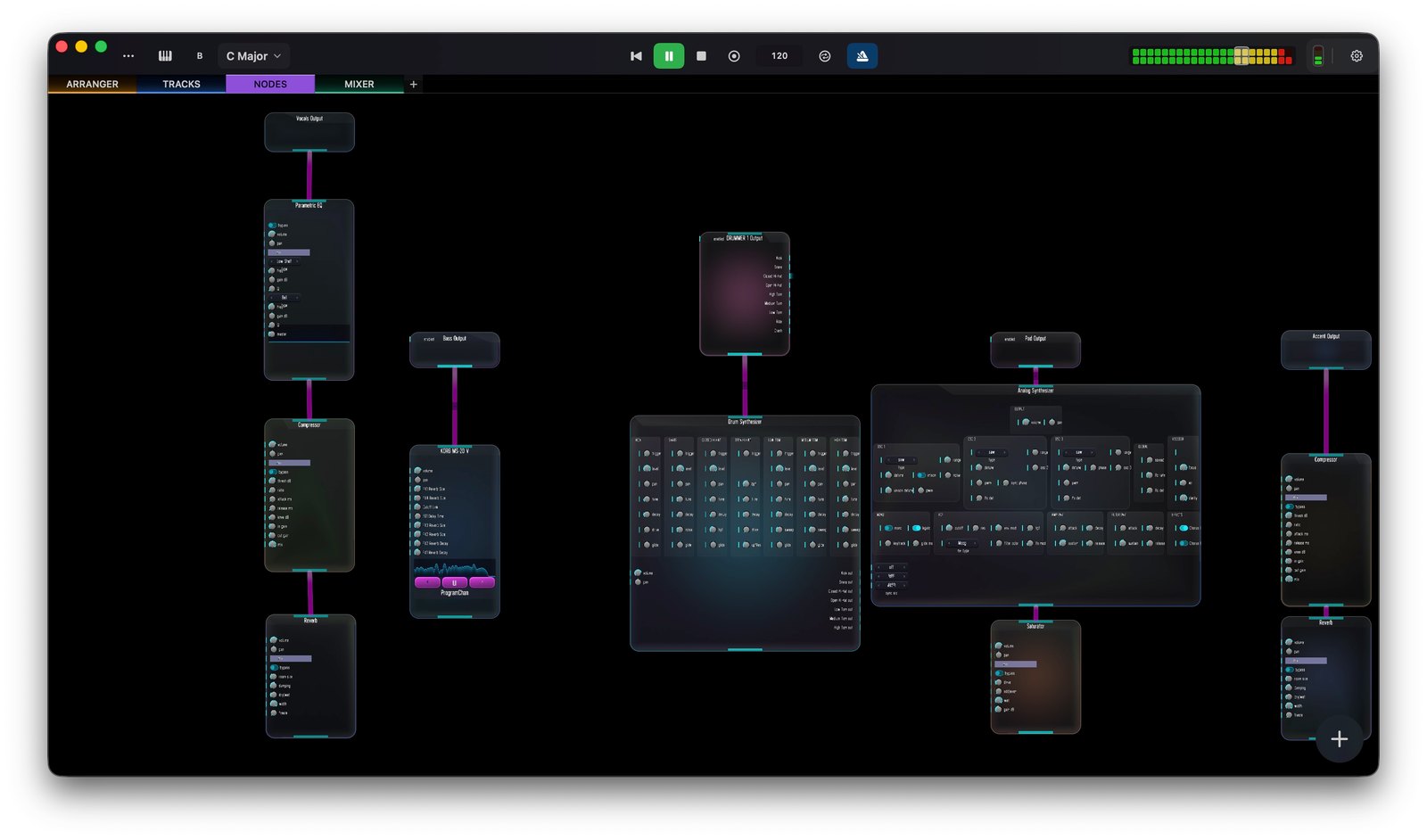
The Node view (3) is Skene’s signal-routing canvas. Everything — instruments, effects, modulation sources, and visuals — is a node with typed input and output ports. You build sounds and visuals by dragging nodes and connecting their ports. Typed ports keep connections sane: audio meets audio, MIDI meets MIDI, control meets control.
Why use it
The track rack handles a simple instrument → effects chain. The node view goes further: custom feedback loops, cross-modulation, and routings that a linear rack can’t express. Patch an LFO or envelope into a filter cutoff, feed one effect’s output back into another, or split and recombine signals freely.
Node categories
Nodes are grouped by the kind of signal they work with:
- Audio — synths, samplers, filters, and effects.
- MIDI — generators and processors such as arpeggiators, chord generators, and the drum pattern engine.
- Visual — GPU texture and shader processing for graphics. See Visuals.
- DMX — stage lighting control (Art-Net / USB) for fixtures.
- Tool — utilities and modulation sources: LFOs, envelopes, step sequencers, and analyzers.
Add a node with the Add menu (A); AUv3 plug-ins appear alongside the built-ins. For a node-by-node list with descriptions, see the Component Reference.
In this section
- Visuals — drive GPU graphics from your music and MIDI.
- DMX Lighting — control stage lighting over Art-Net or USB.
- Component Reference — every node, grouped by category.