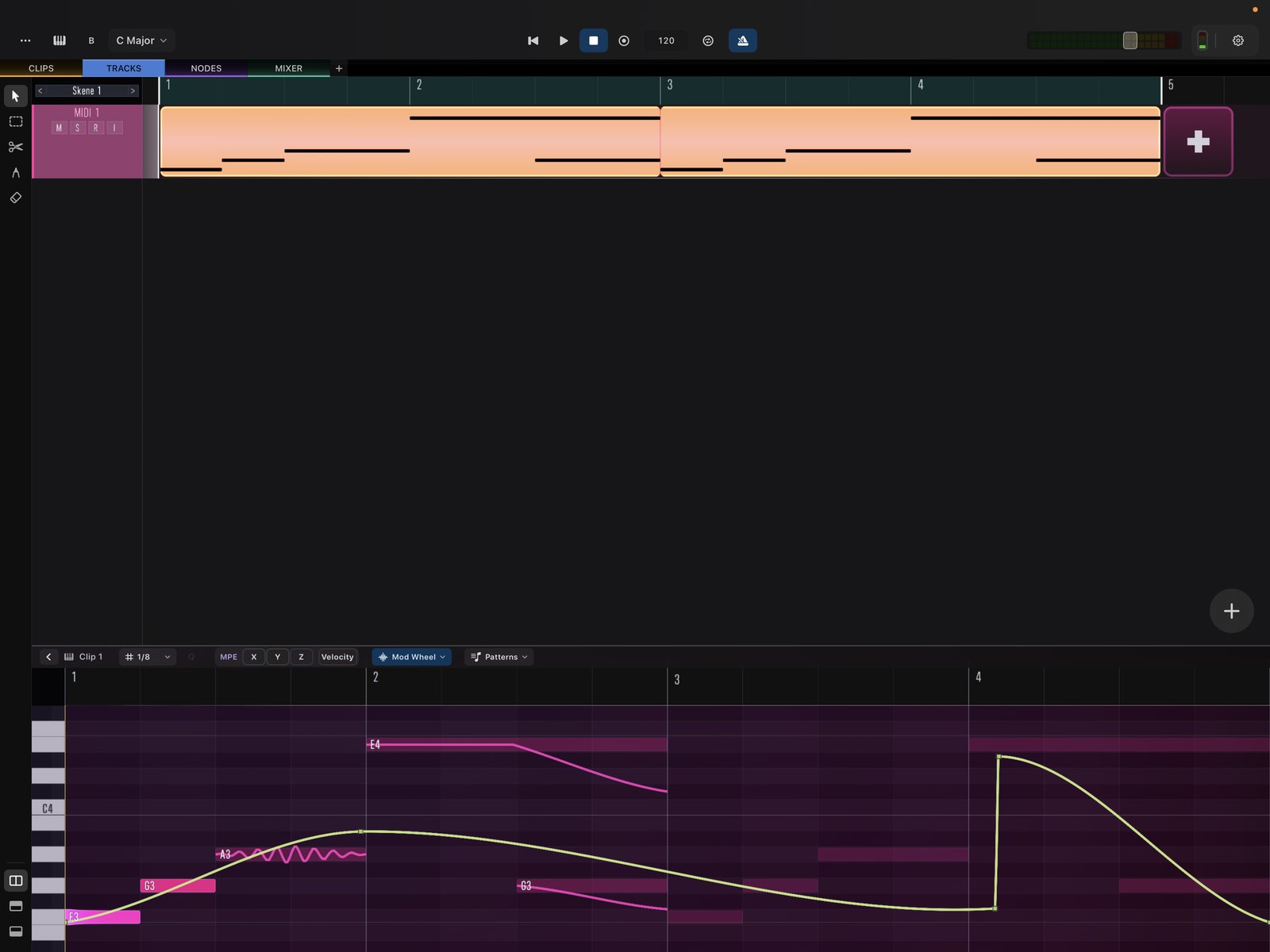
Clip Editing
Repeat, resize, and loop clips by dragging their corners.
Clips are resized and repeated by dragging their corners on the timeline.
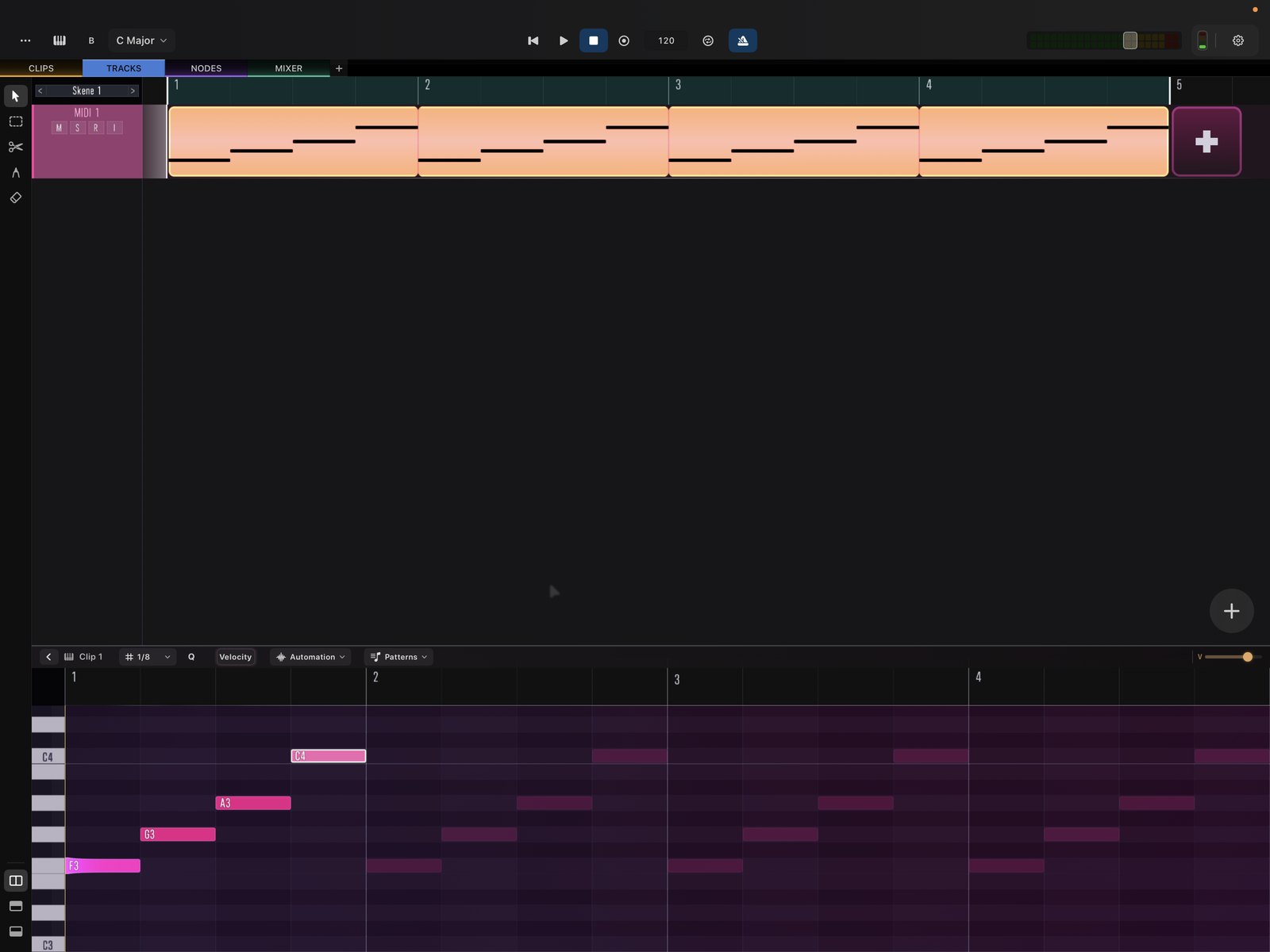
Repeat a clip
Drag from the top-right corner to repeat the clip. The pattern tiles forward for as many repetitions as you drag.
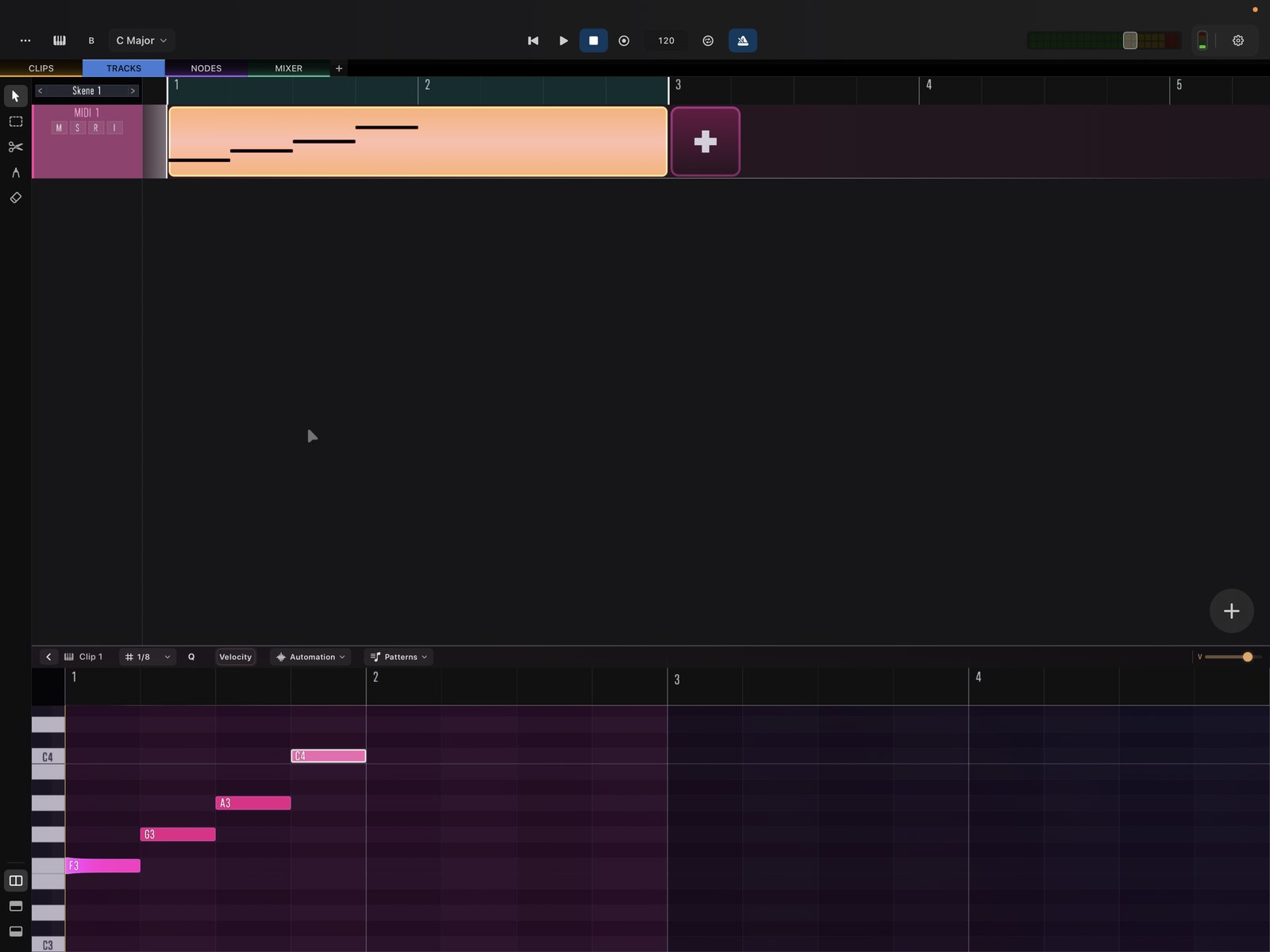
Resize a clip
Drag from the bottom-right corner to resize the clip, lengthening or shortening its content.
Continuous (non-looping) automation
Looped clips normally restart their content — including automation — every loop. Turn on Continuous mode to let automation curves run straight through the loop instead of resetting. This is how you add gradual variation and movement to a repeating part.