
Using DMX Nodes Beta
Drive your fixtures' channels from the node graph with the DMX Fixture and Light Bar nodes.
Once a fixture is mapped, control it from the node graph.
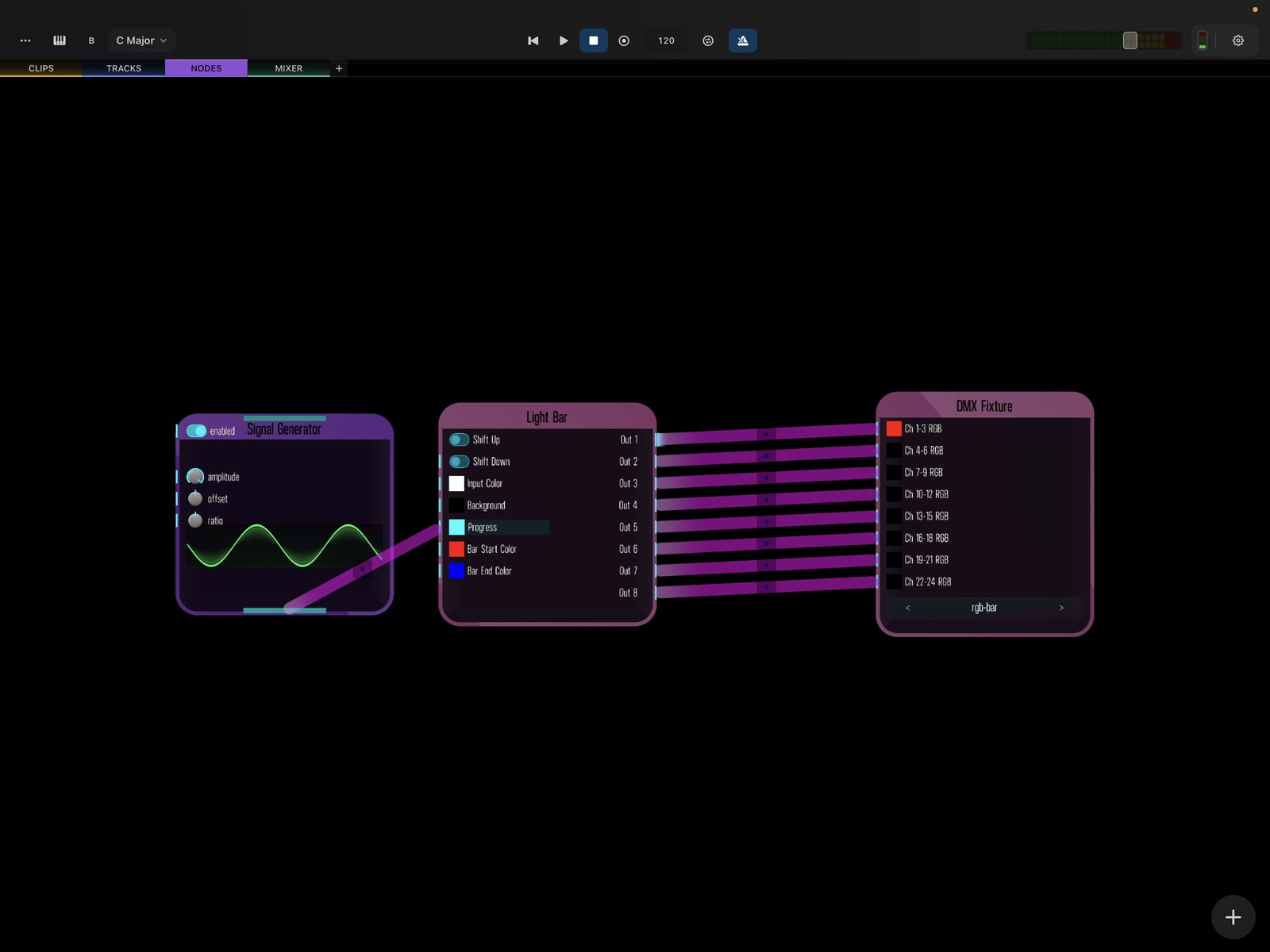
DMX Fixture
The DMX Fixture node exposes your configured fixture’s channels as inputs. Patch any control signal — an audio level, an envelope, an LFO, a MIDI value — into a channel to drive that parameter live. (Each controllable parameter is a channel; that’s the standard DMX term.)
Light Bar
The Light Bar node is built for LED light-bar fixtures. It shifts an RGB color through the bar’s segments to create moving “progress-bar” patterns and chases, with configurable blend modes.
Because these are ordinary nodes, you can modulate them from anything in the patch — making the lights react to the music in real time.