
Fixtures Beta
Configure the fixture that matches your light, or build your own.
A fixture describes one physical light: how many DMX channels it uses and what each channel does — dimmer, red, green, blue, pan, tilt, strobe, and so on. Add the fixture that matches your hardware so Skene knows how to talk to it.
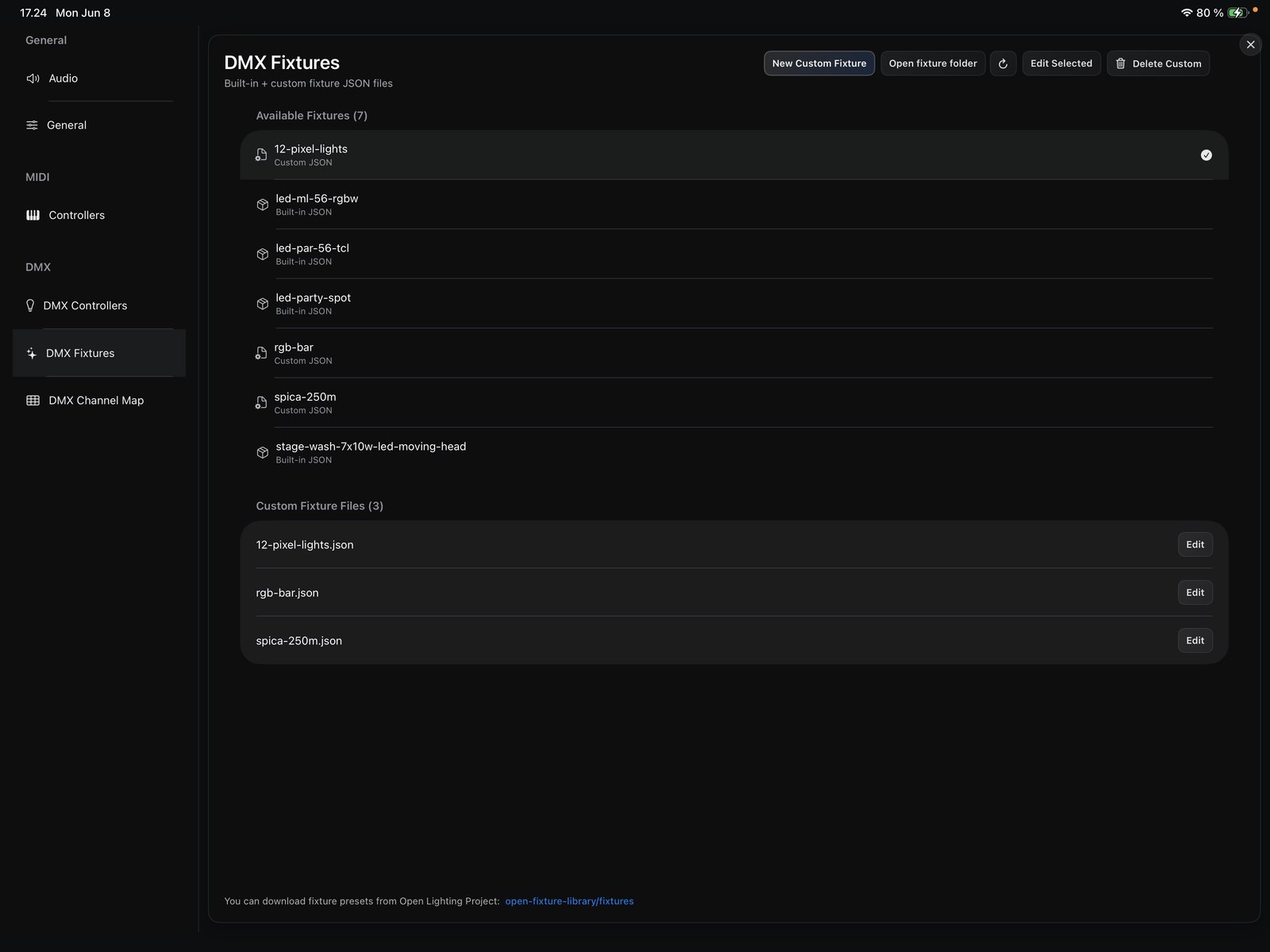
If your light isn’t in the list, you can build your own device with the simple DMX editor: define its channels and what each one controls. Your custom fixture then behaves like any built-in one.
Next, place your fixtures on the channel map.