
Rack & Effects
Build a per-track effect chain by inserting effects between the instrument and the channel volume.
Each track’s rack runs its instrument into a chain of audio effects before the channel output. You build that chain right in the rack.
Adding an effect
Tap the plus (+) button between the instrument and the channel volume control to insert an audio effect at that point in the chain.
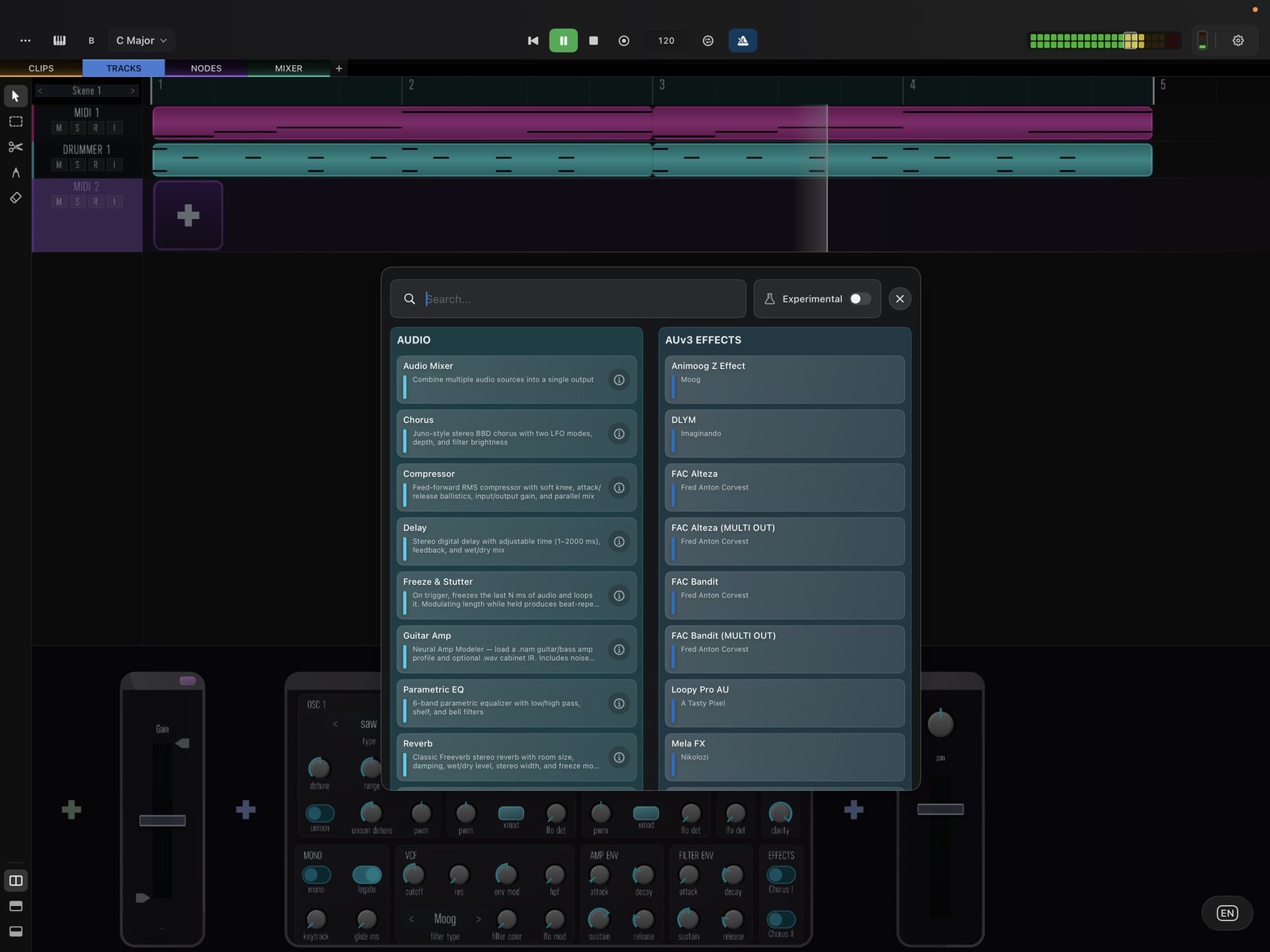
The effect is added into the signal path and can be reordered or removed.
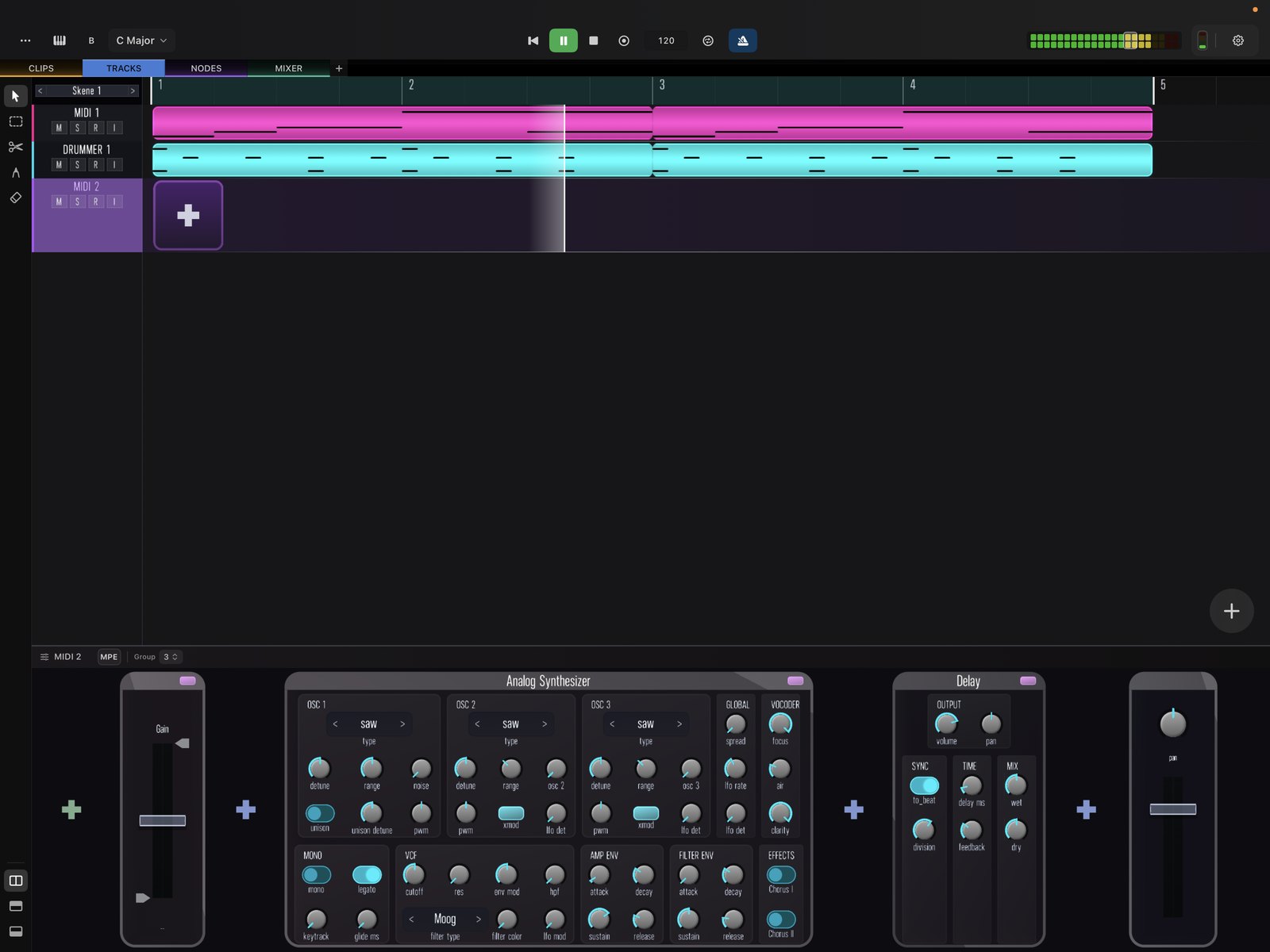
Built-in and AUv3 effects
The rack can host Skene’s built-in effects — delay, reverb, saturator, compressor, chorus, phaser, and a library of filters — as well as third-party AUv3 effects, freely mixed in the same chain. For deeper routing such as feedback loops and modulation, open the same signal in the Node View.