
DMX Lighting Beta
Drive stage lighting from the node graph over Art-Net or USB, with configurable fixtures and a DMX channel map.
Skene can control stage lighting straight from the node graph. A light’s parameters become node ports, so you can drive fixtures from audio levels, MIDI, LFOs, or anything else in your patch — the same way you build sound and visuals.
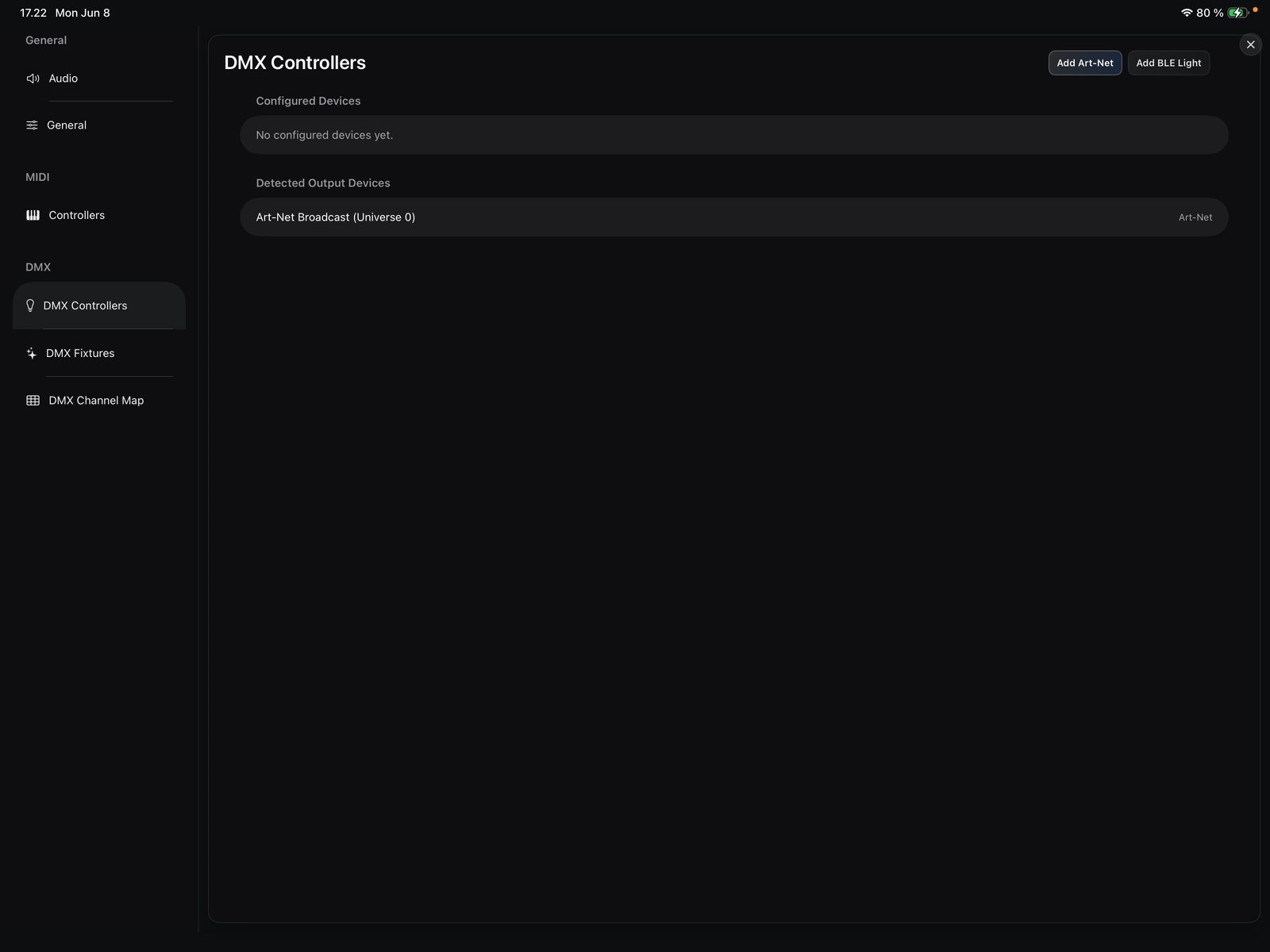
How lighting leaves the app
Skene speaks DMX512, the standard lighting-control protocol, over two transports:
- Art-Net — DMX512 carried over your network (Wi-Fi or Ethernet) to an Art-Net node or interface. Available on iOS and macOS.
- Enttec Open DMX — a USB-to-DMX interface that outputs one universe directly. Available on macOS only (iOS has no USB-serial access).
On iPhone and iPad, use Art-Net. On Mac you can use either Art-Net or an Enttec Open DMX USB interface.
Setting it up
- Art-Net Setup — add and address an Art-Net device.
- Fixtures — pick or build the fixture that matches your light.
- Channel Map — lay your fixtures out across the DMX channels.
- Using DMX Nodes — drive fixture channels from the graph.
See also the DMX components in the node reference.