
The Piano Roll
Draw and arrange MIDI clips on the beat grid.
MIDI tracks are edited in the piano roll. Select a MIDI clip and open the detail view (Cmd + ↓) to see its notes laid out by pitch (vertical) over time (horizontal).
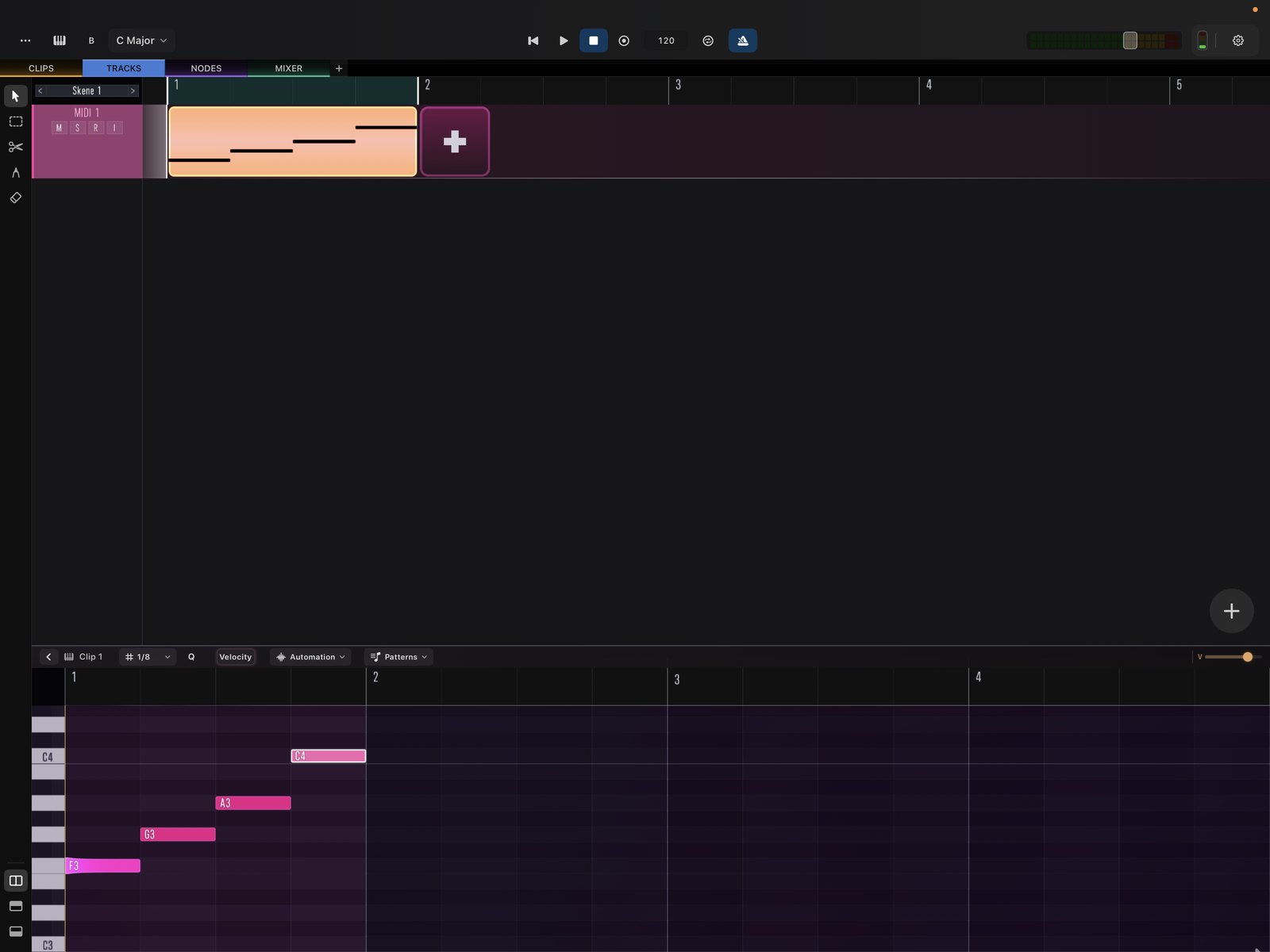
Working with clips
- Create a clip on the timeline, then open it in the piano roll to add notes.
- The grid follows the project’s snap setting; notes land on the grid as you draw.
- Edits take effect on the next bar during playback, so you can shape a part live without stopping.
From here you can:
- Resize, repeat, and loop the clip — see Clip Editing.
- Edit notes, selection, velocity, and quantize — see MIDI Note Editing.
- Constrain notes to a scale — see Key & Scale.
- Add expression with MPE.