
Track Expression Mode
Switch a track between Standard and MPE expression in its settings.
Each track chooses how it handles expression in its track settings. Open them by right-clicking the track’s sidebar entry on Mac, or long-pressing it on iOS.
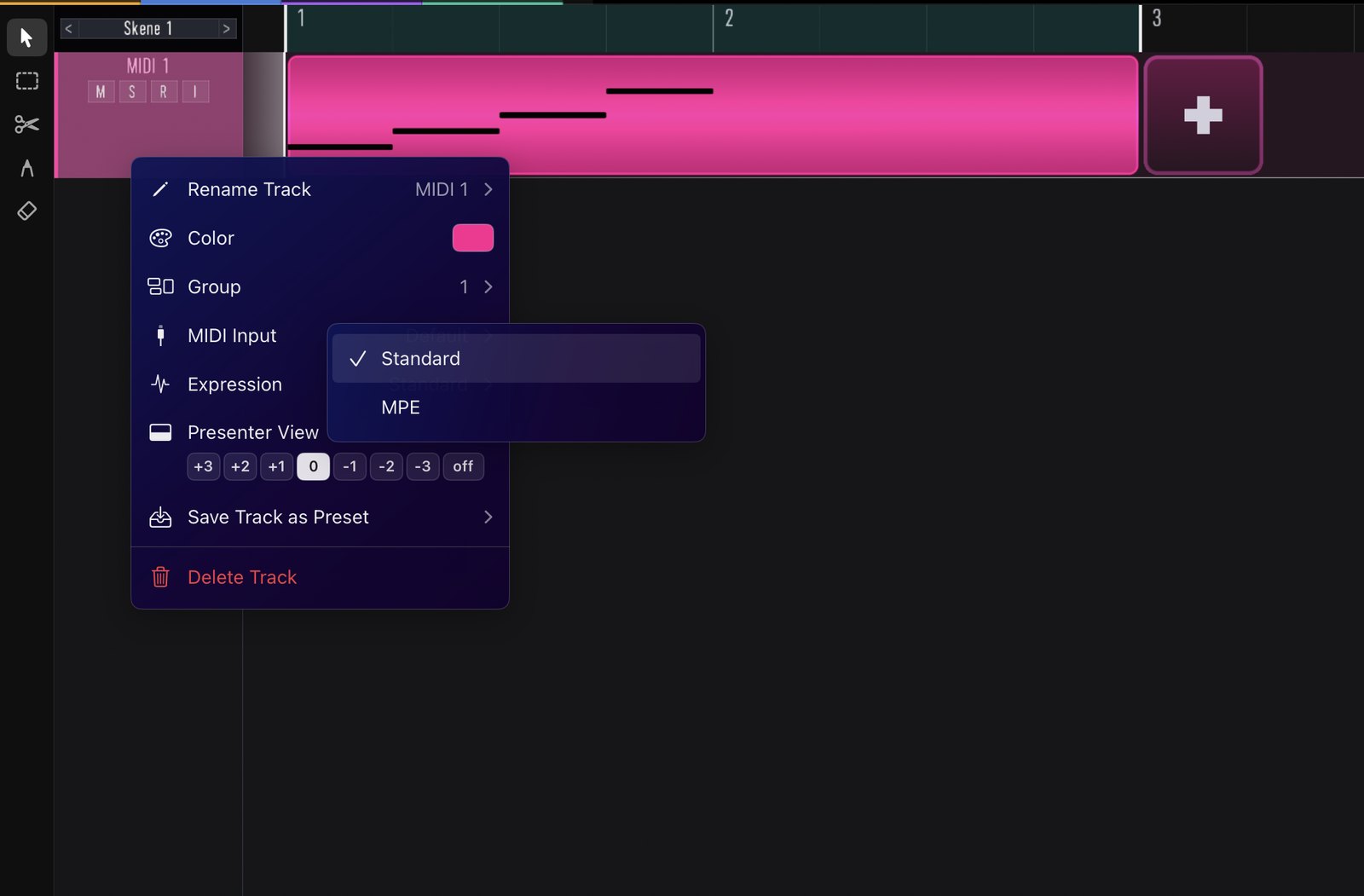
Standard vs MPE
The settings include the track name and an expression mode:
- Standard — conventional MIDI: pitch bend and CCs apply to the whole channel.
- MPE — each note gets its own pitch, timbre, and pressure. Switch to MPE to unlock per-note curve editing.